
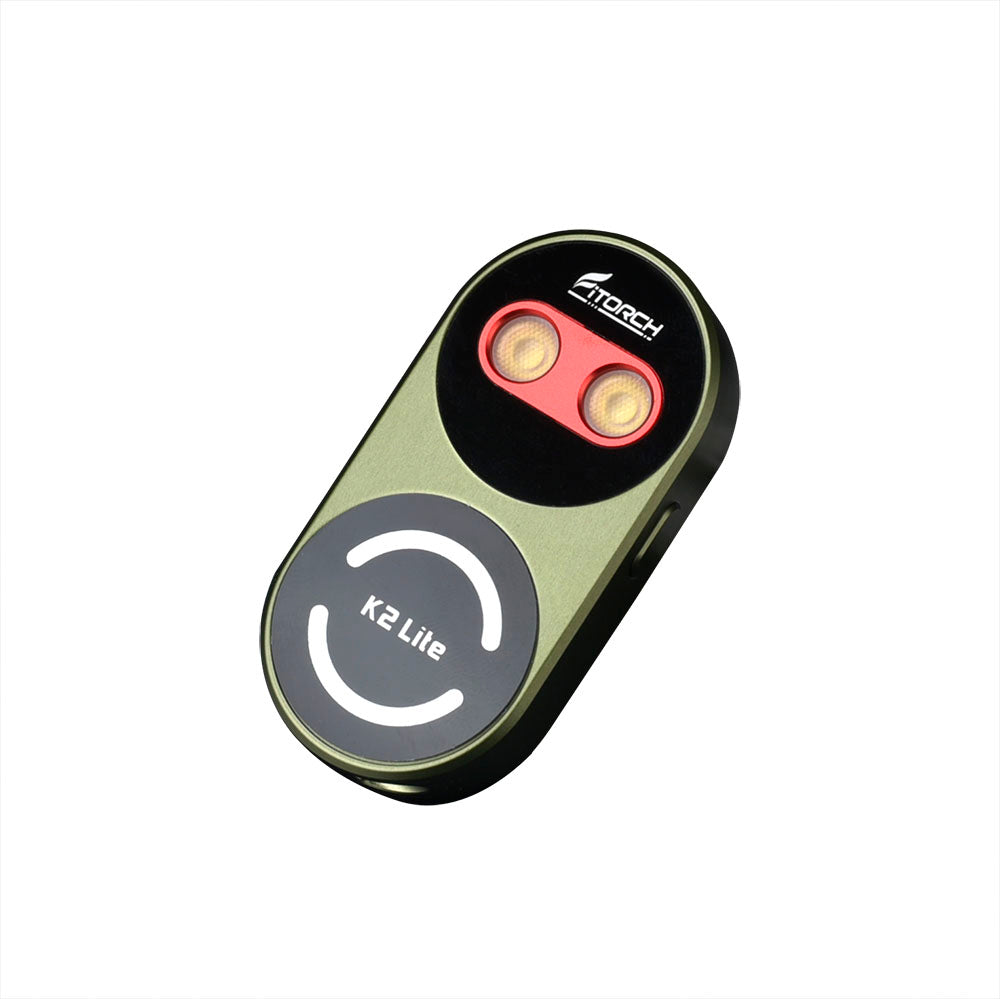


Fitorch K2 Lite 1000-Lumen USB-C Keychain Light with Color LEDs
Dispatch in 1–2 days. Estimated delivery after dispatch: 3–7 business days (non-remote areas); 7–15 business days (remote areas). Shipping details
Free shipping on qualifying orders of $49.90+. 30-day returns: conditions and shipping costs apply.
Pairs well with
Fitorch K2 Lite 1000-Lumen USB-C Keychain Light with Color LEDs
If you have any questions, you are always welcome to contact us. We'll get back to you as soon as possible, within 24 hours on weekdays.
-
Shipping Information
Use this text to answer questions in as much detail as possible for your customers.
-
Customer Support
Use this text to answer questions in as much detail as possible for your customers.
-
FAQ’s
Use this text to answer questions in as much detail as possible for your customers.
-
Contact Us
Use this text to answer questions in as much detail as possible for your customers.

1,000-Lumen Keychain Light, Three Colors

White Light and Color Effects

Headlamp, Bike Light, Running Light

Two-Way Clip, Take It Anywhere

Four Steps of Charge, Read Instantly

Four Brightness Levels Plus Strobe

USB-C Charging in About Two Hours

40 Grams on Your Keyring

Charging Cable, Ring and Clips

All Five Modes on One Chart
What's Inside Every Fitorch
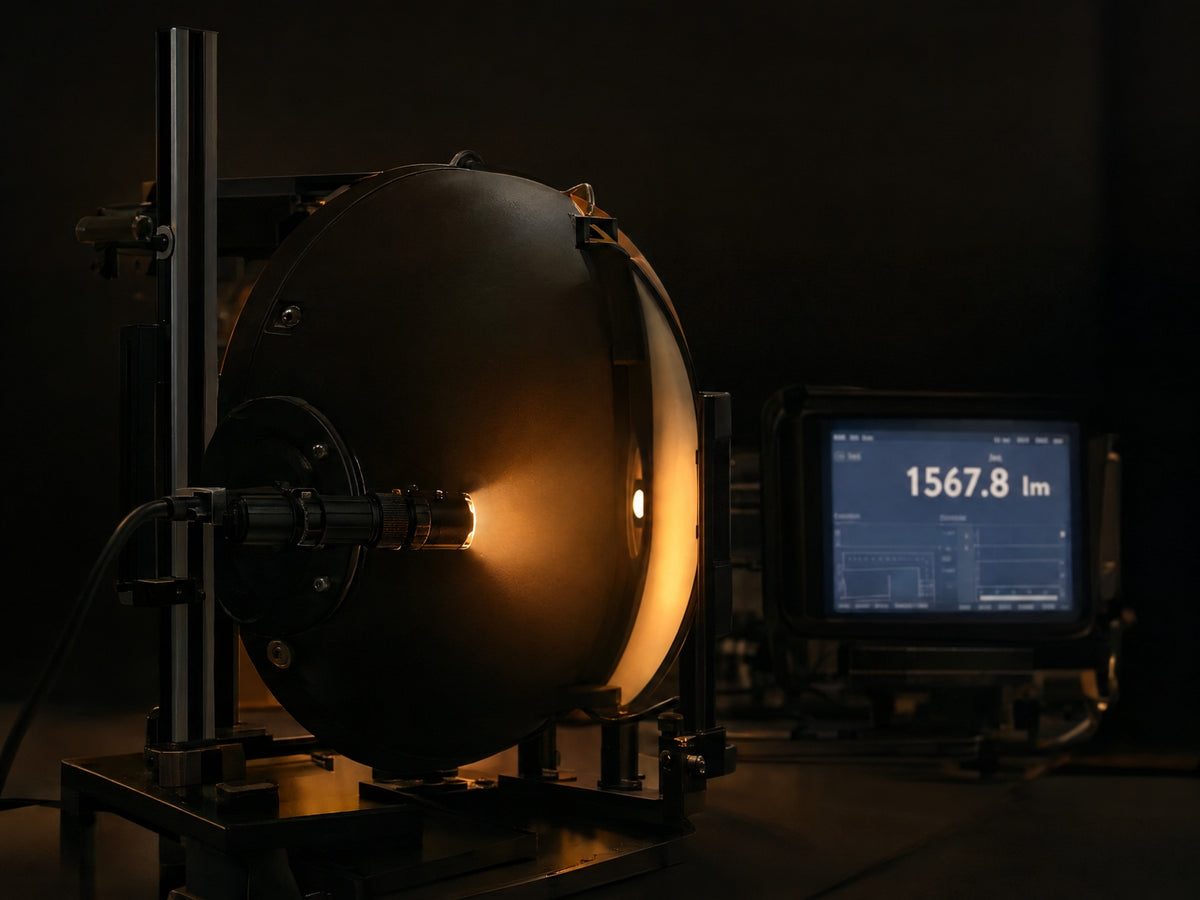
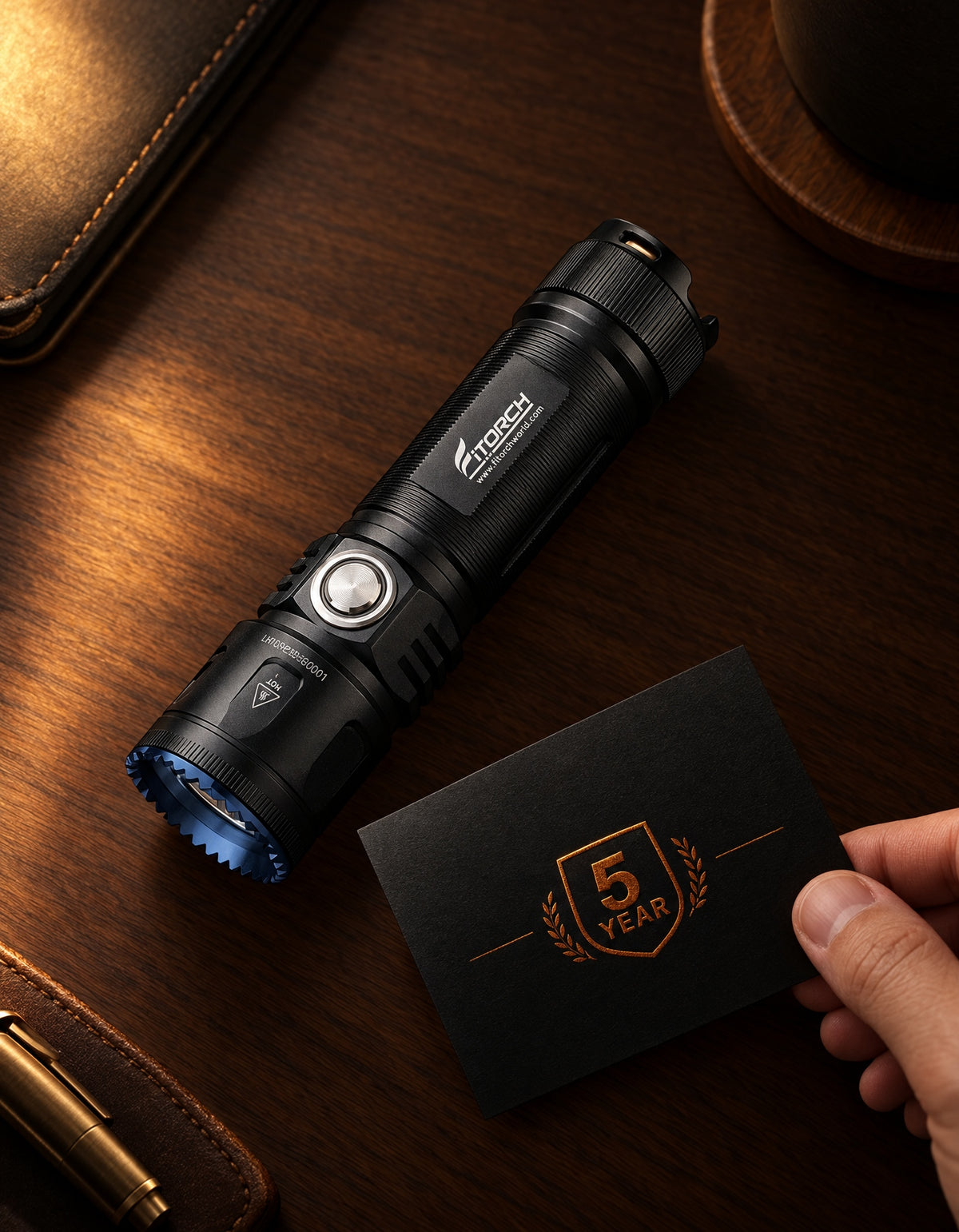
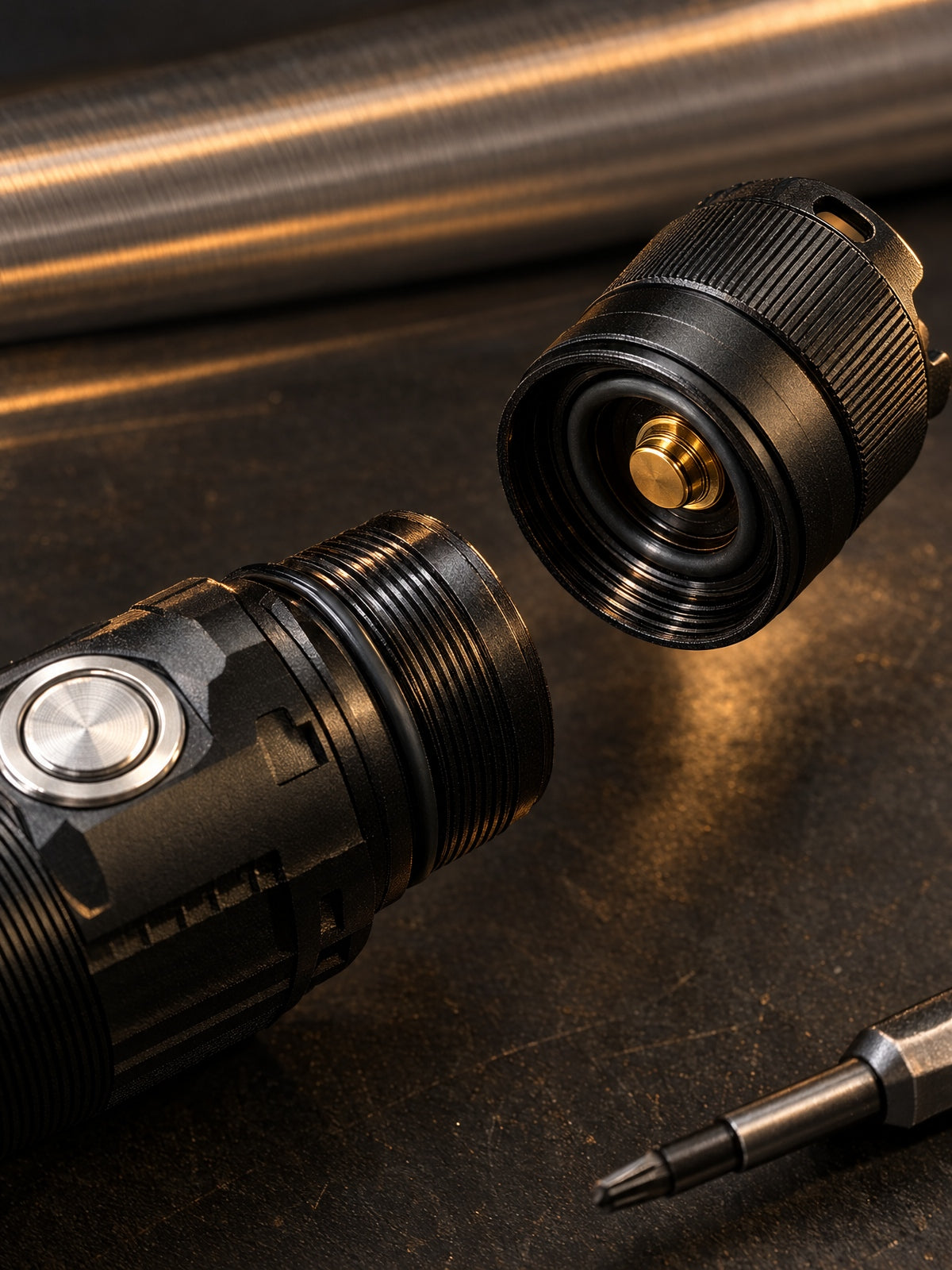
Beyond the beam: lab-tested output you can verify, bodies CNC-machined from solid aluminum, free shipping over $49.9 and a 5-year warranty. The details nobody photographs — we obsess over anyway.
Specifications
Key Specs
Modes & Runtime
User Manual
Quick Start & Care
Before first use: charge fully, and install the battery with the correct polarity — the diagram in your printed insert and the manual above shows the orientation for your model. If the light won't turn on, it may be in travel lock mode: press and hold the side switch for 3–5 seconds to unlock.
Care: wipe and lightly grease the threads and O-rings every six months, rinse with fresh water after saltwater exposure, and store long-term at roughly half charge.
Included in the Box
- K2 Lite keychain light
- USB-C charging cable
- Keychain
- Clip
- User manual
FAQs
Please read our FAQs page to find out more.
How can I check compatibility before ordering?
Check the compatible models, dimensions, battery format and connector details listed for this product. If you are unsure about fit, use Contact support below before ordering.
What is included with this product?
The product description and any Included in the Box list describe the supplied items. Check the selected variant, as contents and optional accessories can differ. Accessories sold separately are not included unless stated.
Where can I find setup and care instructions?
Follow the product instructions and user manual linked on this page, where available. For batteries and chargers, check the supported size, chemistry and voltage before use. Contact our team if you need help.
Where can I check shipping and returns?
See our shipping policy for delivery information and our returns policy for eligibility, timing and costs.
How can I get product or warranty support?
Use Contact support below and include the product model and your order number if you have already purchased. You can also review our warranty information.